


Customizable,
end-to-end,
logistics solutions
for 3PLs Couriers Shippers
Experience unmatched supply chain flexibility and visibility with e-Courier's logistics software solution.
Discover unmatched flexibility in supply chain management with our advanced logistics software. Our solution integrates smoothly with your existing systems, providing unparalleled control and visibility over your logistics.
End-to-end Logistics Excellence.
3PLs
Expand your network and gain new visibility to track your performance and better serve your customers.
Couriers
Seamlessly integrate with your customers, dispatch efficiently, optimize your routes, and grow your business.
Shippers
Gain insights into your supply chain, track orders more accurately, get status alerts to stay in the loop and improve your operations.
We’re driven by the work you do
managed daily
of experience
integrations
500+ INTEGRATIONS TO SCALE YOUR OPERATIONS
Automate and deliver efficiently to
an expanded automotive grocery manufacturing medical pickup & delivery retail network
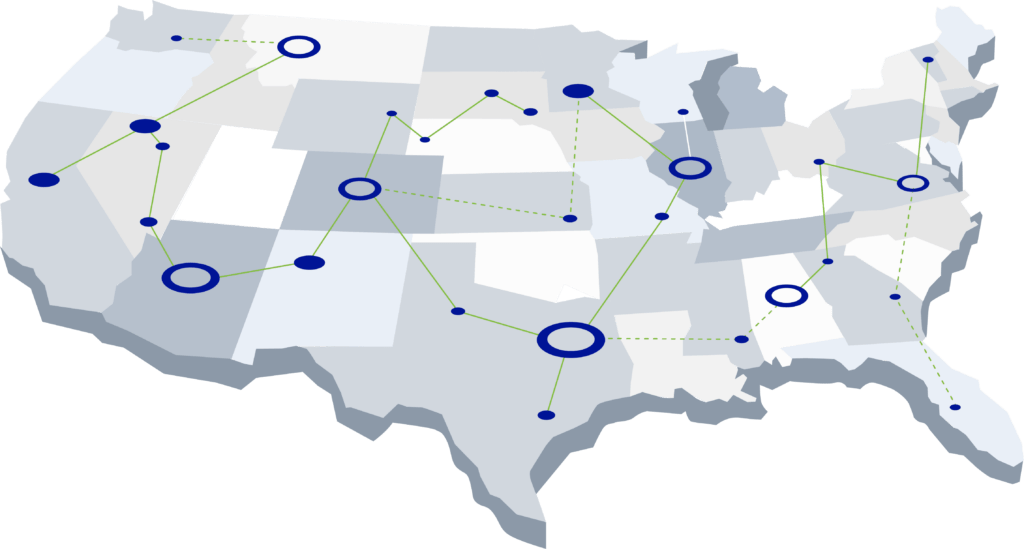
With our robust integration capabilities and dedicated support, e-Courier will automate one and two-way integrations from your shipping partners electronically, improving accuracy and saving you time on manual order entry and event updates.









Use Cases
Flexibility where you need it most
Unlock workflow efficiencies and expand your business with our custom configured TMS platform
e-Courier equips your business with seamless, custom integrations that guarantee a smooth delivery process from start to finish. It features real-time tracking of drivers and detailed reporting, improving your team's efficiency, strengthening partnerships, and opening avenues to exceed customer expectations.
Expedite decision-making with accurate, real-time data that never leaves you a step behind
e-Courier seamlessly integrates with your current systems, streamlining workflows and bolstering operational efficiency. It enables real-time tracking of orders, optimizing performance and precisely forecasting business requirements.
Secure the right partner to meet at the intersection of seamless technology and optimized logistics
Empower your team with real-time visibility and tracking, ensuring that every package can be monitored from start to finish. With our advanced analytics and reporting, informed decision-making becomes the norm, offering insights that drive operational excellence.
Orchestrate your dispatches like never before, fine-tuning every aspect with precision and efficiency
Coordinate and manage orders to prevent delays. Improve efficiency with real-time driver tracking and in-app messaging for smooth communication. Confidently handle customer inquiries using the latest updates. Optimize delivery routes for time and resource efficiency.
More than navigation, transform the way drivers connect with clients and grow your business
e-Courier offers visibility and chain of custody. Real-time ETA calculations, geofencing, exception management, and on-premise barcode scanning, signature, and image capture.
Stallion Express
Charting Success in Deliveries with a 99.99% Success Rate
In the critical field of medical deliveries, where time matters the most, Stallion Express not only reached a nearly perfect 99.99% delivery success rate but also saw their profits skyrocket—an impressive achievement in the competitive logistics sector. Let's explore their story of transformation, focusing on the role of e-Courier.
Direct Couriers Inc.
Revolutionizing Tradition
Transitioning from traditional to modern logistics methods presents challenges, but Direct Couriers Inc.'s collaboration with e-Courier was a seamless fit. e-Courier's consultative strategy facilitated a smooth transition. A year following the adoption of e-Courier's advanced logistics solutions, Direct Couriers Inc. didn't just survive; it thrived, recording its most successful year in a 33-year legacy.
Manage with Precision
Deep visibility solutions fit for scale
Build customer trust with on-demand access to the information you need across all orders with detailed audit trails. Streamline driver workflows. Create customizable POD processes and maintain rigorous chain of custody.
Win More Customers, Guarantee Success
Don't just take our word for it
We have used e-Courier for over 5 years and it has helped us reduce data entry hours, accounting hours, dispatching, and driver coordination hours. We are very pleased with e-Courier’s robust platform and top-notch customer service.
Ready for What's Next?
Take the next step towards refining your supply chain
Talk to an expert.
Request a callback to discuss workflow needs that fit your operational goals.
Stay informed.
Get the latest industry insights and product news, delivered to your inbox.